
In short: Only four things belong on a bazaar flyer: what, when, where and a QR code to the event page – no fees, no registration deadline, no private mobile number, because those change and the paper doesn’t. Canva Free is entirely enough for that; the free full version (Canva Education or Nonprofits) only goes to teachers and registered non-profit associations, not to nurseries or parents’ councils.
Registrations for a bazaar arrive from two directions. You know the first one: the parents’ group, the mailing list, the post in the Facebook group. The second one is the sheet of paper taped to the cloakroom door — and that one reaches exactly the people who are in none of your groups. The family that just joined. The grandmother who does the Friday pickup. The mother who left the group chat because 200 messages a day was too much.
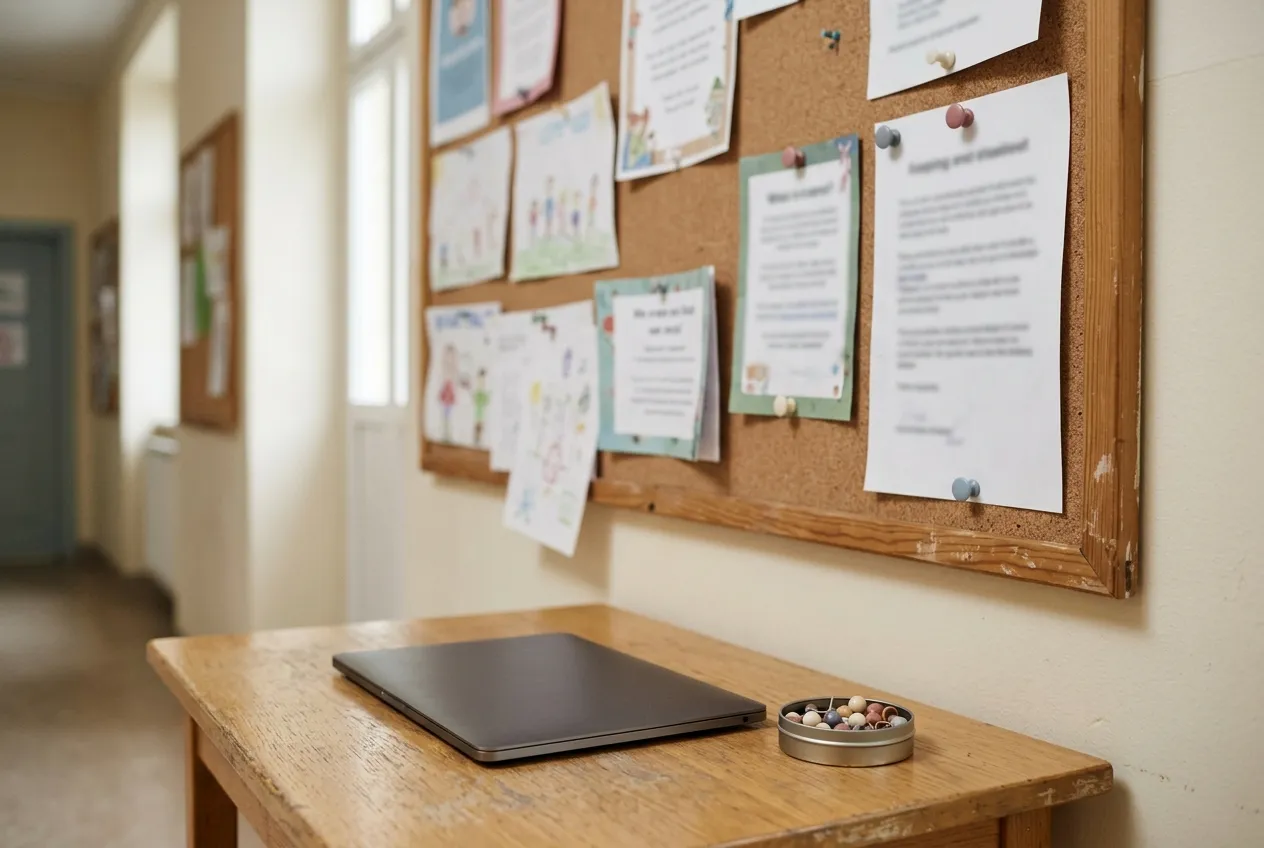
Which makes the printed notice rather less nostalgic than people assume. It is the only channel that reaches people you don’t already have.
It has just one property that governs everything else: it stays up longer than its details stay true.
What belongs on a bazaar flyer – and what doesn’t?
A flyer that hangs on a glass door for three weeks is a promise you can no longer correct. So it should carry only things that are certain not to change:
- What — “Children’s bazaar”, large enough to read in passing
- When — date and time
- Where — the venue, phrased the way a stranger would search for it
- A QR code — for everything else
And now the harder list. These do not belong on the flyer:
- fees
- the registration deadline
- how many seller places are left
- bank details
- a contact person’s private mobile number
Not for lack of space. These are precisely the details that change — and a printed deadline that has already passed is worse than none at all. Someone reading the notice in the hallway thinks too late and walks on, when in fact you might have extended it.
The less there is on paper, the longer it stays true.
Before you start: which version of Canva do you get for free?
Most people build these in Canva, and a good deal of half-knowledge circulates about it. Canva does give its full version away — but under rules that are narrower than most recommendations make them sound. There are two programmes with two separate sets of criteria:
| Who you are | What you get |
|---|---|
| Teacher at a primary or secondary school, currently teaching | Canva Education, free |
| School librarian, teaching assistant, curriculum developer at such a school | Canva Education, free |
| Pupil at such a school | Canva Education — but only if a teacher invites you |
| Registered charitable association: school or nursery support association, non-state charitable provider | Canva Nonprofits, Pro features for up to 50 people |
| Everyone else | Canva Free — and that is enough for this flyer |
More important than the row you find yourself in is the one you don’t. On its own pages, Canva explicitly excludes:
- Staff at preschools and childcare centres. Nursery educators are not eligible for Canva Education, however much designing they do. It is in the guidelines, and knowing it beforehand saves a lot of frustration compared with finding out after a rejected verification.
- University students. Also not eligible.
- Parents of school-age children.
- For Canva Nonprofits additionally: organisations operated by or formally affiliated with a local authority — which rules out the municipal nursery but not an independent charitable provider. Sports clubs are excluded too, as are organisations whose purpose is mainly to benefit their own members.
In Germany, a parents’ council (Elternbeirat) is usually not a registered association and holds no charitable-status assessment, so it won’t get through Canva Nonprofits. A registered support association (Förderverein e. V.) with charitable status will.
And even then: Canva states twice, plainly, that meeting the criteria is no guarantee — admission is at the company’s sole discretion. Review takes up to 48 hours for Education and up to 72 for Nonprofits. You prove eligibility with an institutional email address or by uploading documents — for associations, proof of charitable status and the statutes.
The details are at Canva for Education (opens in a new tab) and Canva for Nonprofits (opens in a new tab). Read the guidelines there yourself — they change, this article doesn’t.
But the sentence that matters here is a different one: you need none of it for a bazaar flyer. Everything below works in the free version. The QR code included.
The short version
- Pick the format first. Search for
flyeron the home page and settle the size before you design: A5 portrait for the notice, A6 for handouts, square for the parents’ group. Changing size afterwards shifts half your layout. - Take a template without a crown. In the template search, most results carry a small crown symbol — those are Pro templates. On Canva Free you can open and edit them, but you won’t be able to download them cleanly. Scroll until you find one without a crown; there are plenty.
- Replace the text, and above all delete it. Templates are crammed because they are built to impress. Take the four details above and throw out the rest. The empty space that appears is not a mistake — it is the reason your notice is legible from five metres away.
- Only add a picture if it helps. Your own photo from last year’s bazaar beats any stock image. If you don’t have one, leave the area empty. Photos of other people’s children are better avoided anyway.
- Add the QR code — see below for how.
- Have someone proofread it who is not organising the bazaar. You read straight past missing details, because you have them in your head.
- Download it. Top right, Share (Teilen), then the Download tile, and choose the print PDF as the file type. Add a PNG for the parents’ group — messengers often refuse to preview PDFs.
What should the QR code point to?
The real decision is not how to make a QR code, but what it points to. And the answer follows straight from the problem we started with: it has to point at something that can still change once the paper is already up.
A PDF can’t. A Facebook post has sunk out of the feed within three days. A page you can maintain can.
If you organise your bazaar with MukiBasar, you already have that page: every published bazaar gets a public event page with date, venue, map, fees and a status light showing whether places are still free — plus a registration button. Here is how to get the address:
- Set the bazaar to published in the app and wait a few minutes — the public page is rebuilt with a short delay.
- Open the page in your browser, via the bazaar overview at mukibasar.de/en/events.
- Copy the address from the address bar. Don’t retype it: it contains the date and the title, and where two bazaars share a name an identifier is appended. A typo only surfaces once 300 flyers are printed.
Then in Canva: Apps in the left-hand bar, search for QR, open Static QR codes. Paste the address into the URL field, hit generate, drag the code onto the flyer and size it. The app carries that English name in every interface language, and it is free.
If you organise without MukiBasar, the same logic applies: use the address of your registration form or your association’s page — as long as it is something you can still edit after printing.
The paper goes stale, the page doesn’t
This is the actual gain, and it is bigger than it sounds.
You have to move to a different hall. The date shifts by a week. The 80 seller places are gone after four days. In every one of those cases your flyer stays up in the hallway — and is still right, because the information lives behind the paper rather than on it. Whoever scans sees the current state, not the state on printing day.
Without a QR code you get what every organiser knows: phone calls from people who read an outdated notice. And sellers standing in front of a locked door.
Which is also why so little on the flyer is no contradiction. The flyer answers one question — is this worth scanning? — and nothing more. Everything else is one gesture away.
Before you print
Three things that get lost in the rush and turn expensive:
- Test the code with two phones, an iPhone and an Android, and do it from the printout, not from the screen. A code that works on a monitor can still fail on paper.
- At least 2.5 cm per side, with a white margin all around. Dark code on a light background, no photo underneath and no club colours inside the code. Too small and too pretty are the two most common reasons QR codes on flyers don’t scan.
- Print the address as text underneath, small. Not everyone scans, and some camera apps are older than the code.
Then put it up — on the cloakroom door, at the bakery, in the paediatrician’s waiting room. Wherever people stand around with nothing to do. That is the moment notices actually get read.
Frequently asked questions
Does a parents’ council get Canva for free?
Canva Free, yes – and that’s enough for the flyer including the QR code. Canva Nonprofits requires a registered non-profit association with tax-exempt status, Canva Education requires currently teaching teachers. Nursery staff, parents and municipally run nurseries are explicitly excluded.
How big does the QR code on the flyer need to be?
At least 2.5 cm per side with a white margin all around, dark code on a light background, no photo underneath. Test it from the printout with an iPhone and an Android device and print the address as small text below it.
What format should the flyer be?
A5 portrait for the notice board, A6 for handouts, square for the parents’ group. Decide the format before you design – changing it afterwards shifts half the layout.